How do I set pitch or volume targets? First tap on the Settings button Then tap on the relevant target and enter a value Tap on the cross to remove a target Related articles How do I import a recording from the cloud? How do I analyse my pitch and volume? How to use DAF Pro How do I playback my voice recording? How do I playback my voice recording? Comments 0 comments Article is closed for comments.
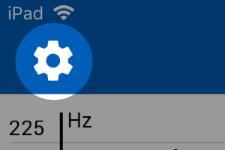 First tap on the Settings button
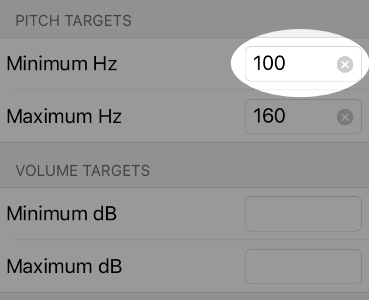 First tap on the Settings button
Comments
0 comments
Article is closed for comments.